List a room

List your room free. Choose who moves in.

Got a spare room? List it on Homee in a few minutes. Every applicant comes with a lifestyle match score, so you can see who fits your house before you reply.

Free

to list a room

Minutes

to create a listing

8

lifestyle factors matched

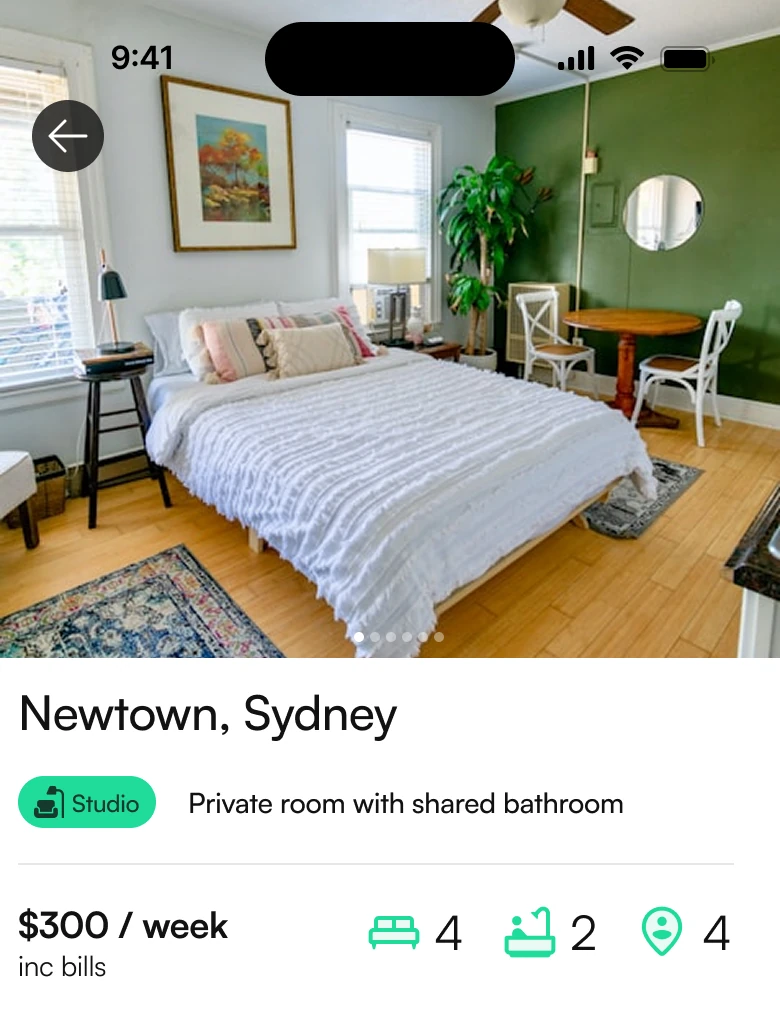
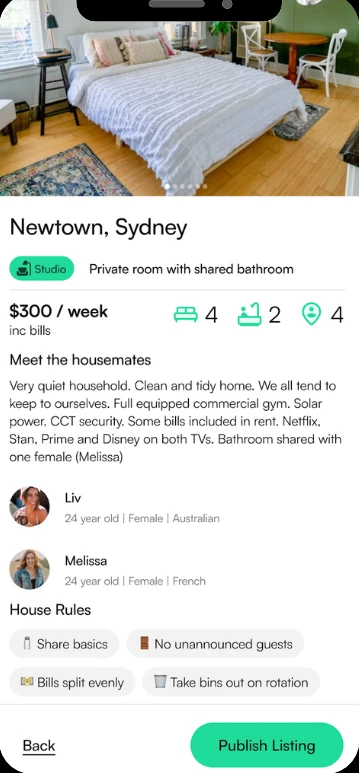
Room listing in the Homee app: Newtown studio, $300 a week
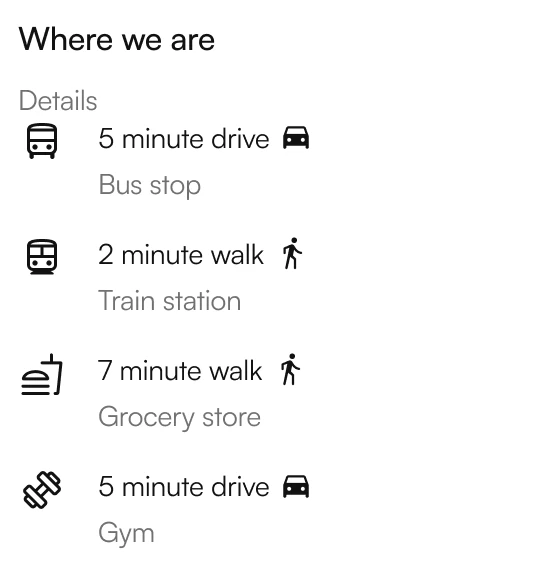
Where we are: bus stop, train station, grocery store, gym
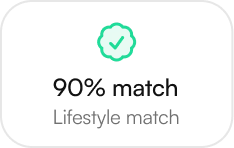
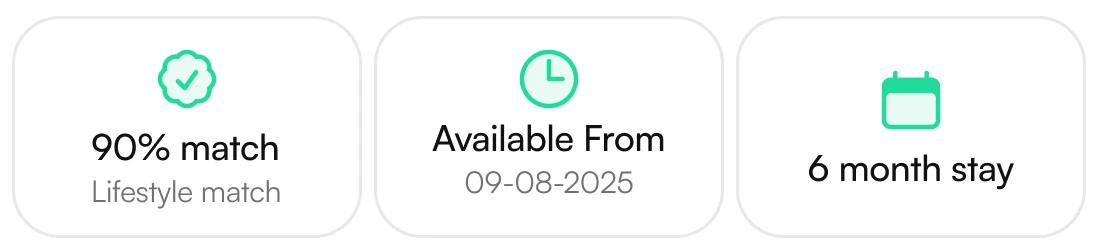
90% lifestyle match
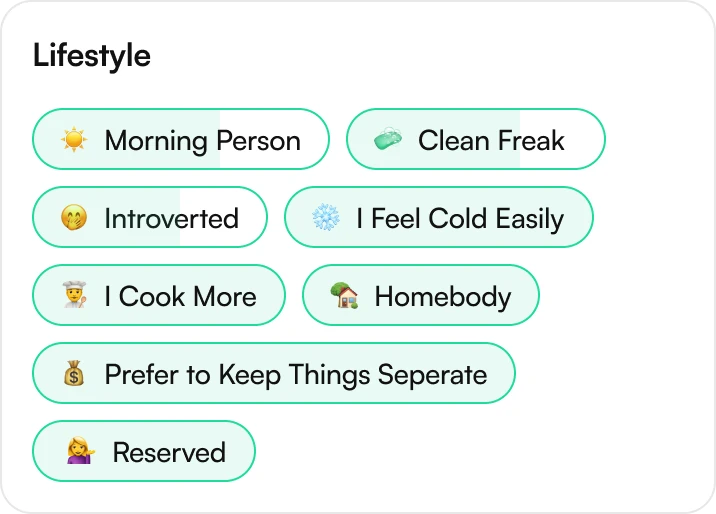
Lifestyle tags

Why Homee

Fill your room with someone you actually want to live with.

Free to list

No listing fees. Post your room and talk to applicants in the app at no cost.

Applicants come with a match score

Every applicant sets the same eight lifestyle sliders, so you see how well they fit the house before you say hi.

See who they are first

Read their lifestyle, interests and pet peeves before you reply, not after the inspection.

Stay in control

Chats stay in the app until you meet, you decide who to inspect with, and you can report anyone from their profile.

How to list

How to list a room for rent on Homee

Create an account, switch to Listing Owner mode, create your listing, add the property details and publish. It is free.

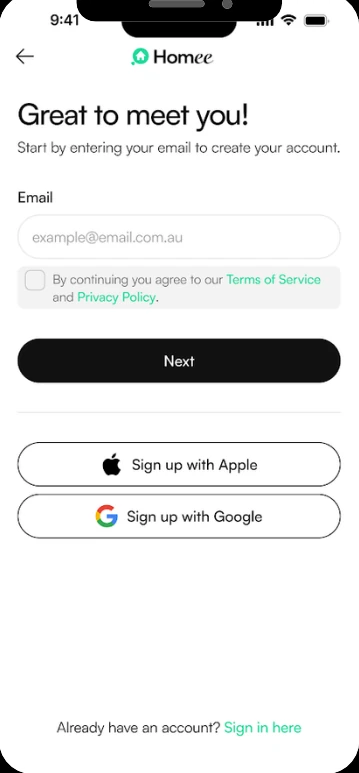
Homee sign-up screen

01

Create an account

Download Homee free on iPhone or Android and sign up with your email, Apple or Google.

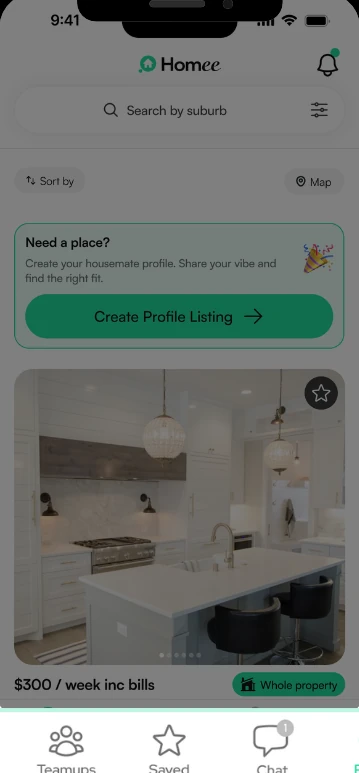
Homee home screen
Switch to Listing Owner
Rooms
Teamups
Saved
Chat
Profile

02

Switch to Listing Owner mode

This is the key step. Tap Profile in the bottom bar, then tap Switch to Listing Owner.

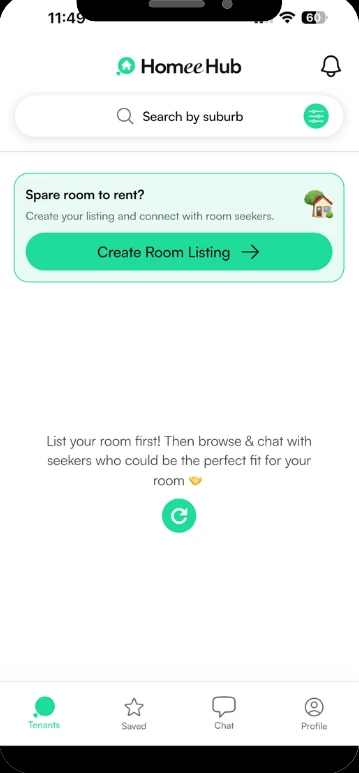
Homee Hub with the Create Room Listing button

03

Create your room listing

Tap Create Room Listing, then confirm whether you live there. If you do, you will create your housemate profile first.

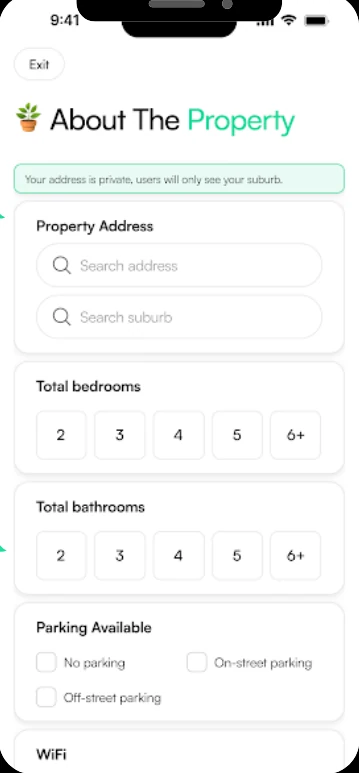
About The Property screen: address, bedrooms, bathrooms, parking

04

Add the property details

Address (only the suburb is shown), bedrooms, bathrooms, parking and wifi first, then the room details.

A published room listing with housemates and house rules

05

Publish your room

Check the listing, with the housemates and house rules, then tap Publish Listing. Your room is live.

9:41
90% lifestyle match, available from, 6 month stay
Lifestyle tags

06

Review applicants and choose

See every applicant's profile and match score, chat in the app, and decide who to meet.

Swipe for more

Your listing

What a great listing includes

The rooms that get the best applicants show all of this up front.

Photos
The room and the common areas, in natural light
Rent
The exact weekly rent and what it covers, as a fixed price
Bond
The amount, within your state's cap, and that it will be lodged with the state bond authority
The household
Who already lives there and what the house is like
The lease
Whether you are the head tenant or everyone is on the lease
Minimum stay
How long you need someone to stay
Commute and noise
An honest word on both; it saves everyone a wasted inspection

The rules

Before anyone moves in

Renting out a room makes you responsible for a few things. The details differ by state, so check your city guide.

Get permission to sub-let

If you rent the home and the new person is not going on the lease, you usually need your landlord's written consent first. Adding them to the lease as a co-tenant is the other route.

Rules change. Check your state's tenancy authority for the current version before you sign.

Lodge any bond

Any bond must go to the state bond authority, never into your account: NSW Fair Trading, the RTBA in Victoria, or the RTA in Queensland.

Rules change. Check your state's tenancy authority for the current version before you sign.

Put it in writing

Agree the rent, what it includes, the bond, notice and house rules in writing before anyone moves in. Our free share house agreement template covers it.

Rules change. Check your state's tenancy authority for the current version before you sign.

Advertise a fixed price

List one weekly price. In Queensland, rent bidding and accepting offers above the advertised rent are banned.

Rules change. Check your state's tenancy authority for the current version before you sign.

FAQ

Listing a room: FAQs

Still stuck? Email contact@homeeapp.co

Is it free to list a room on Homee?

Yes. Listing a room and finding a housemate on Homee is free.

How do I list a room?

Create a Homee account, tap Profile and switch to Listing Owner mode, then tap Create Room Listing. Add the property details, then the room details, and publish. It only takes a few minutes and it is free.

Can I choose who moves in?

Yes. You see every applicant's profile and lifestyle match score, chat in the app, and decide who to meet.

Do I need my landlord's permission to get a housemate?

If the new person is not going on the lease, you usually need written consent to sub-let. If they are being added to the lease, the agent will handle it. Check the rules for your state.

Do I need a written agreement?

Yes, especially if you are the head tenant or sub-letting. Our free share house agreement template covers rent, bills, cleaning, guests, notice and bond.

How long does it take to find a housemate?

Timing varies with your price, location, availability and housemate preferences. Leave time for conversations and inspections before choosing someone. Demand peaks around January, February and July.

Homee

List your room free.

Free on iPhone and Android. See every applicant's match score before you reply.

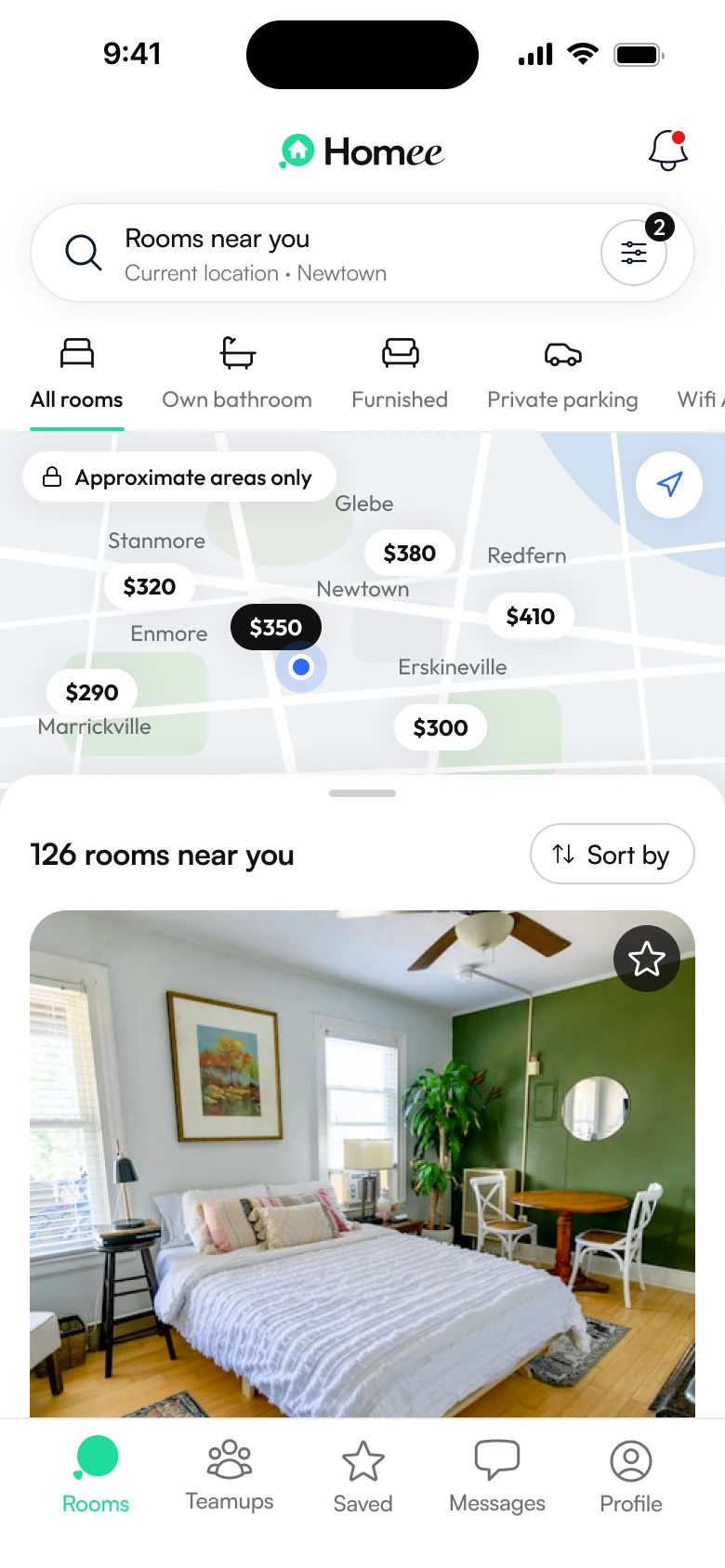
Homee app: rooms near you on a map, with weekly prices